Activity Feed
Table of Contents
Overview
The Activity Feed is a great place for your users to engage and interact with each other. Users will be able to see their feed on their personal profile and all user feed in the main social feed located in the middle of the bottom navigation panel. Users are able to post directly onto the Feed, see what is trending on the "Currently Trending" section, and discover other users' most recently completed achievements on the "Recent Activities" section. To learn more about these sections, keep reading.

Currently Trending Activities:
At the top of the Activity Feed is the "Currently Trending" section. This shows what users are most interested in and what the most popular events, actions, or individual activities are. Users can swipe through the trending activities and discover any specific activity of interest. Once they click on a specific activity, they will be brought to the associated activity page where they are able to become more involved by reading more about the topic, completing the activity, saving the activity for later, and so on.
Recent Activities:
Another feature that is critical to the engagement of users is the "Recent Activity" section. Located under "Currently Trending," this section allows users to see the most recent activities people have completed.
Users are able to see what’s new in the community, such as a completed activity or event, and overall be more engaged with the community.
How to Setup Your Feed
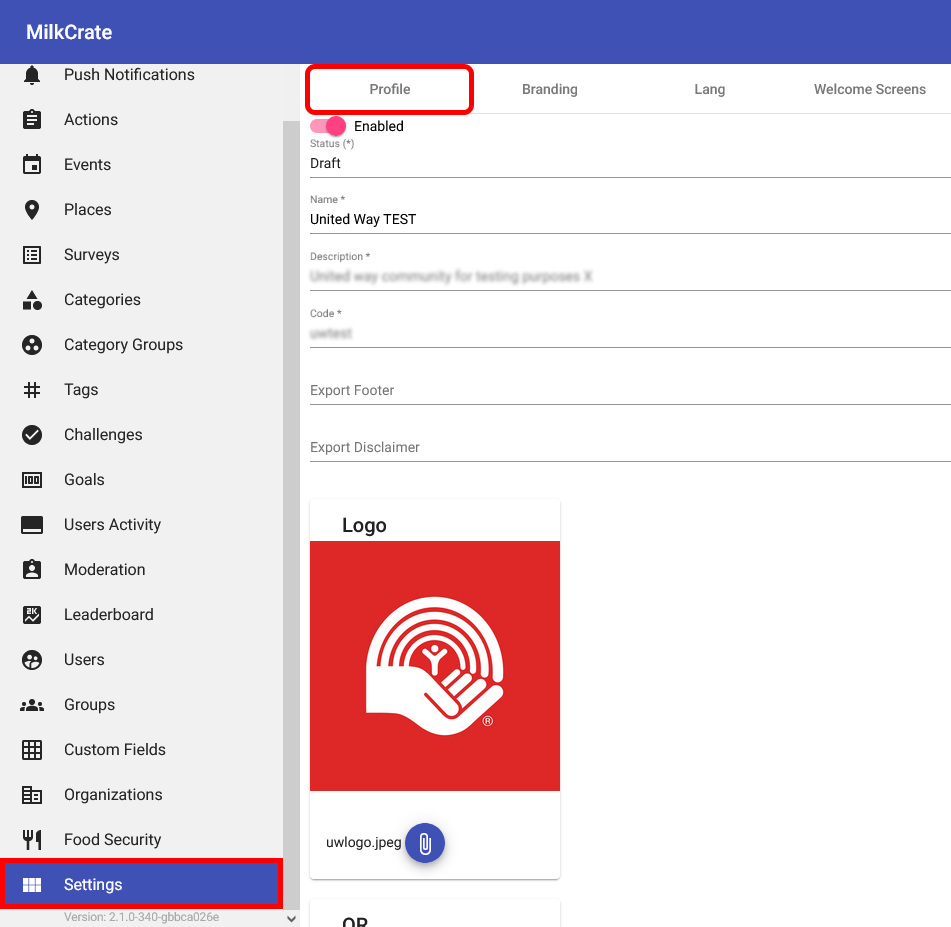
In order to set up the "Feed" feature within your app, navigate to the "Settings" section of your dashboard and the "Profile" tab therein.
.png)
Within the "Features" text field, type "Feed" and click on the relevant feature listed in the dropdown that appears. Once "Feed" is selected from the dropdown menu you will see it added alongside your other chosen features within the "Features" field. Make sure to press the "Save" button at the bottom of the page so your changes aren't lost.
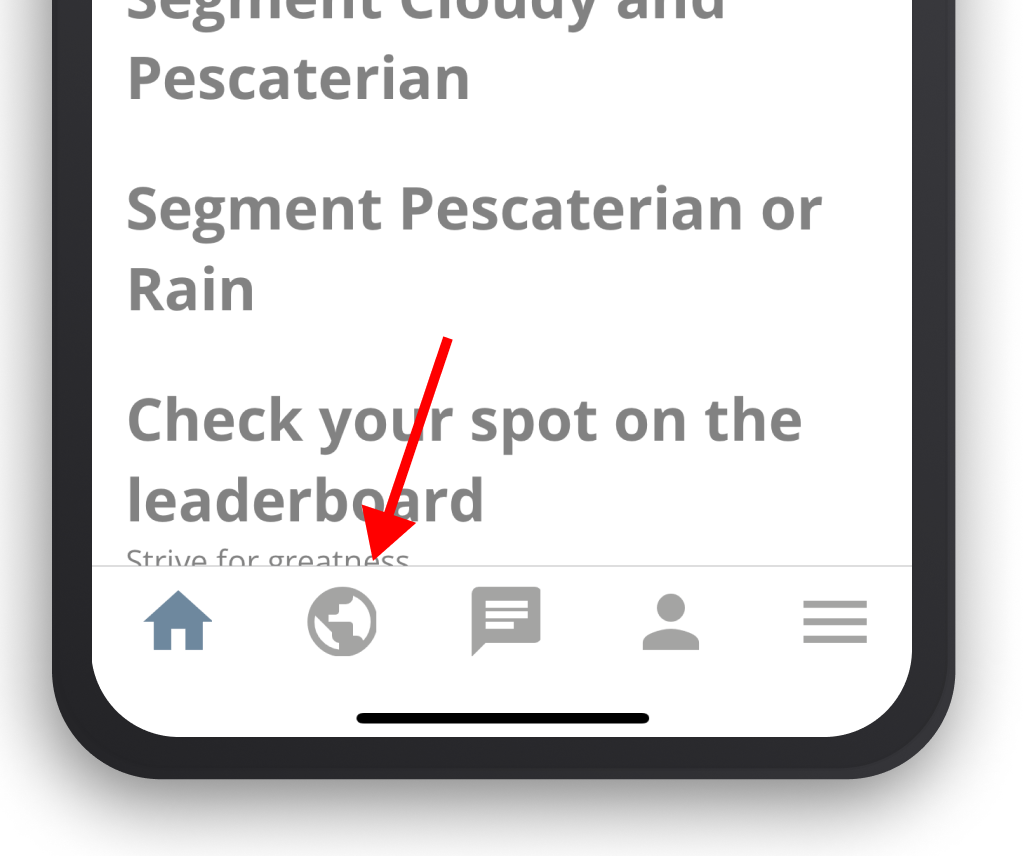
Once you've added and saved the "Feed" feature through Admin, you will see a new tab on the bottom of your app's screen with a world icon. Pressing this will bring the user to their Activity Feed. To grant users the ability to create posts through their activity feed see here.
.png)
Should you choose later that you want to remove this feature, simply press the "x" icon that appears next to it in the "Features" field and hit "Save."
Related Articles
User Activity
About User Activities User Activity allows you to see how users are interacting with your app. You will be able to see the user’s name followed by their team, the activity or action they visited, a summary of the activity, and finally, the date and ...Maintenance
Your team is responsible for maintenance tasks like setting up new push notifications, adding new events, participating in the activity feed. If your team would like assistance please see the Additional Services article.Posts
Table of Contents: Overview Setting up Posts Creating a Post Overview Users are able to post to the activity feed, posts can include text, URLs, and photos. Other users are able to comment on user posts. Monitor posts by checking the moderation ...Block Types
Block Types Headers: Create headers, dividers and styled text for your app Images: Insert images like an organizational logo or sponsor logo Link: Create a visual link to an internal location within the app or an external location outside the app. ...6.17.6 Survey Results, Event Guests, and More!
Summary Surveys: Users are now able to view their survey results inside the app! They can look back on a specific day, week, or 90-day timeframe. Home Screen Blocks: Now you can now make blocks only visible to a certain subset of users, there are now ...